I'm using Linux and trying to find a e-reader recently. Here is what I tested on Arch:
Calibre: Failed to open
Okular: Ugly, cannot modify margin
bookworm: No two-page view, only scrolling-mode, and scrolling-mode cannot get the reading progress
zathura: too simplify resulting in not know how to use
lector: cannot recognize epub......
Buka: cannot open the book. (I don't get the logic flow, create a list first, then import the book, then crash)
Until I found Foliate, it support two-page view w/ progress bar, it support epub will in different language (I test en_US and zh_TW), fast lookup (gtrans, Wiktionary, Wikipedia), good UI, ...etc
I really wish there was a practical alternative to Calibre for general ebook organization purposes. It's extra-painful that Books.app on Mac could almost fit that role, except that it doesn't let you edit enough metadata for your own imported files to properly manage series/publisher stuff.
Sorry for the snarkiness in my previous comment, if you get the chance perhaps you can look into helping with this issue. Contributing to the distributions I use has taught me a lot about the tools I use every day.
Running Arch as well and I use the Calibre Flatpak to manage my Kindle. I plug it in every month or so and haven't had any failures in the last year. I've found that Flatpaks solve the problem of some older programs not working well on Arch or some programs not getting updated on Debian.
I've never personally used it for epub, but apparently mupdf works with epub files. It's my go-to PDF viewer at least. Just be sure to read the man pages as most operations are keyboard hotkeys.
If you open a .mobi in Calibre it takes tens of seconds, on a reasonably fast system, to open small (<2meg) books. I'd agree with the other comments here - Calibre is great in terms of it being powerful (web server to serve up books directly to a kindle without having to plug it in, search is ok once you know how to use it) but has a terrible UI (I shouldn't have to google to discover how to search my local library).
I've been using Calibre-Web[1] as a frontend for the Calibre database, visiting it with my Kobo Auro H2O.
It will do neat things like convert to Kindle & email to the Kindle address with a button press as well so I can give access to my mum and so she can seamlessly read the epub books I have in my library on her Kindle.
It doesn't look great on the Kobo, but I can navigate pretty quickly to download a book, and I hardly ever have to touch calibre itself.
It's pretty easy to get set up running headlessly on a server somwhere.
I liked FBReader until I realized it wasn't displaying the blank lines used by the book series I was reading to separate sections in a chapter. Undoubtably the ebooks' CSS was bad, but other readers, like my Sony e-ink device, displayed them OK.
pandoc+emacs. I also use the read-aloud package, which all together makes the best ereader+TTS experience. (However I run the TTS over the lan on a mac, because FOSS text-to-speech is awful.)


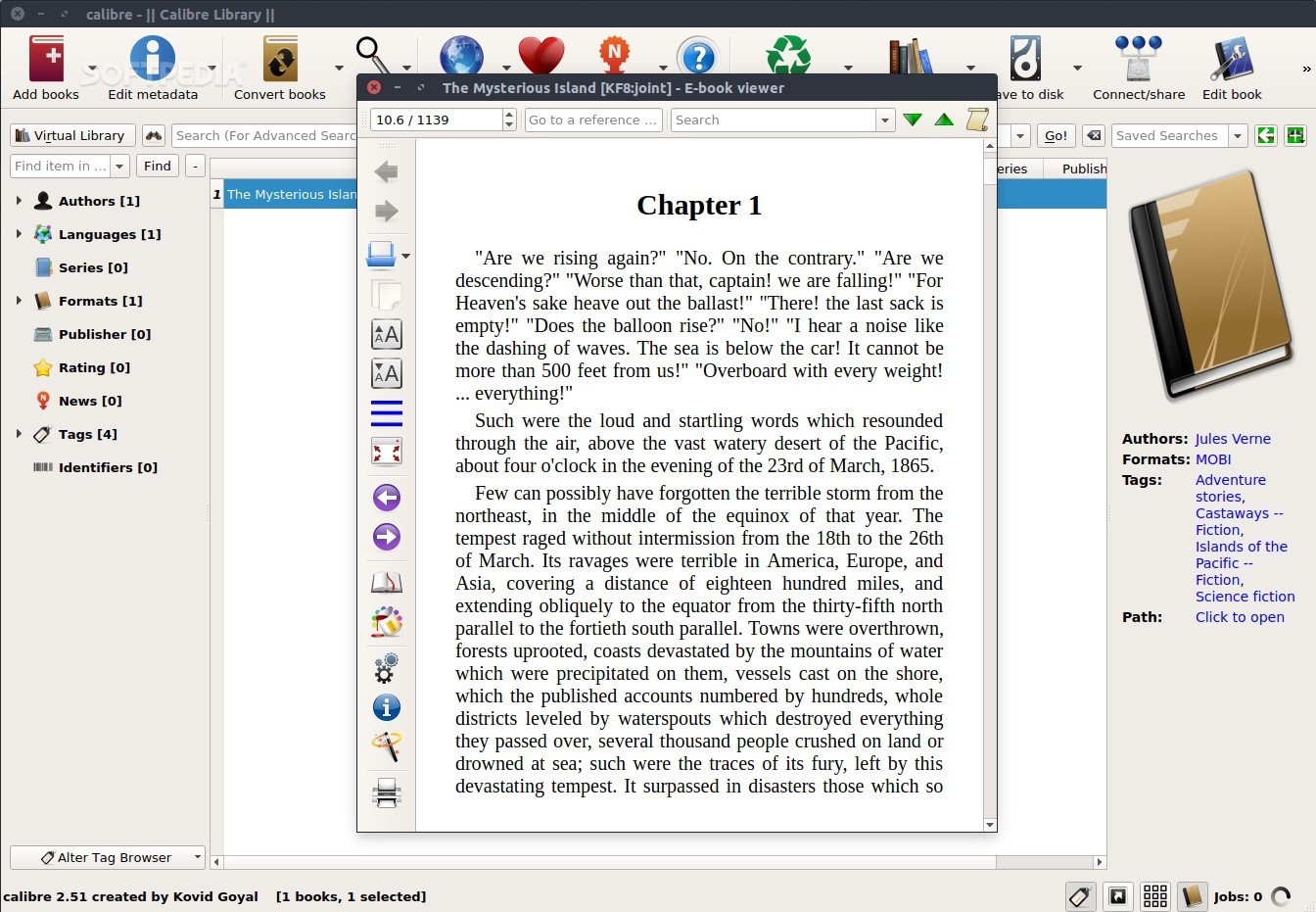
Calibre: Failed to open
Okular: Ugly, cannot modify margin
bookworm: No two-page view, only scrolling-mode, and scrolling-mode cannot get the reading progress
zathura: too simplify resulting in not know how to use
lector: cannot recognize epub......
Buka: cannot open the book. (I don't get the logic flow, create a list first, then import the book, then crash)
Until I found Foliate, it support two-page view w/ progress bar, it support epub will in different language (I test en_US and zh_TW), fast lookup (gtrans, Wiktionary, Wikipedia), good UI, ...etc